From the phone call to the front door.
Three roles, one live picture: the triage nurse who decides, the field nurse who responds, and the leadership team that sees it all working.
Take the call. Create the assignment.
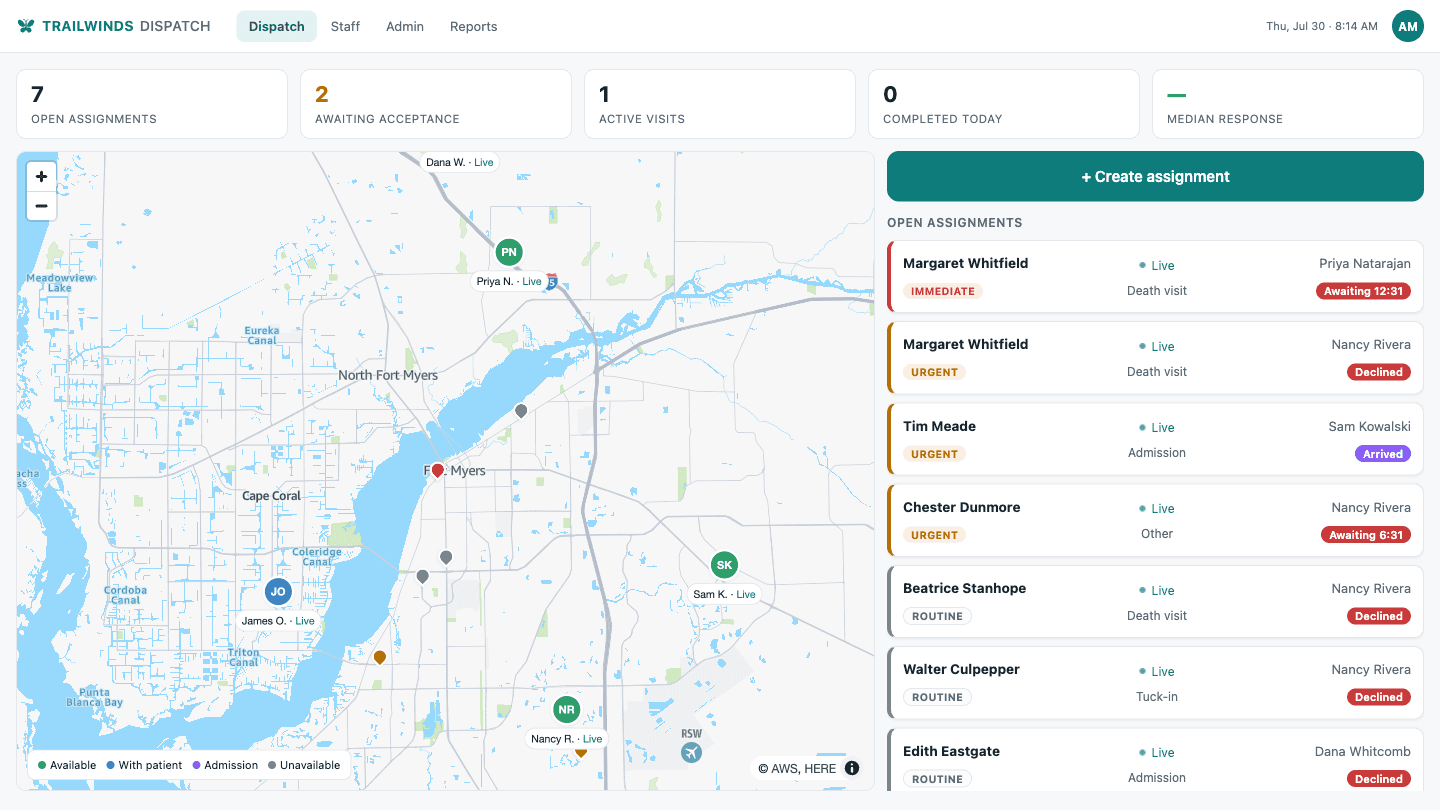
Patient, visit type, priority — that’s it. The board shows every nurse’s live status and position, so your triage nurse picks with full context. The acceptance timer starts the moment the assignment goes out.
The system never recommends or pre-selects a nurse. It informs; your nurse decides.
A loud alert. One tap to accept.
The nurse’s phone cuts through the night — accept or decline with a reason, and a decline goes straight back to triage for reassignment. Directions run in-app, arrival is confirmed by the nurse at the door.
Status is always one tap away, and location sharing is visible to the nurse at all times, and runs on the schedule your policy sets.
Everyone sees the same picture, as it happens.
Watch it run on your service area.
The full platform, free for two weeks — your coverage map, your visit types, your roster.