Help & guides
Two guides, one for each side of the night.
Written for the people doing the work, with a screenshot of every screen they will actually see. Read them here, or print the PDFs and hand them out.
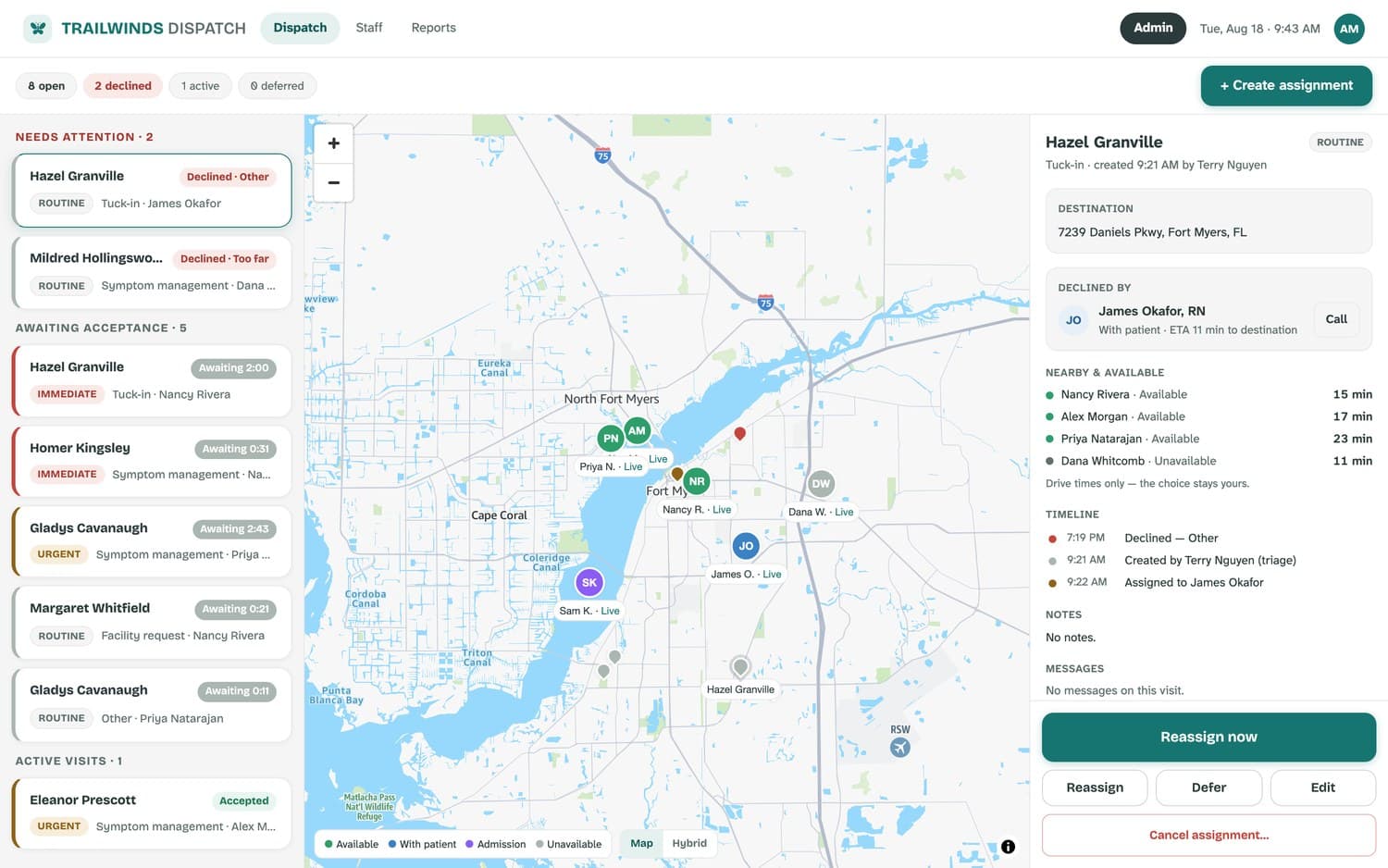
For the desk
Dispatch dashboard guide
Signing in, reading the board, creating an assignment, handling a decline, deferring, the staff roster, reports and history, and the admin setup behind it all.
Triage · Administrators · Leadership
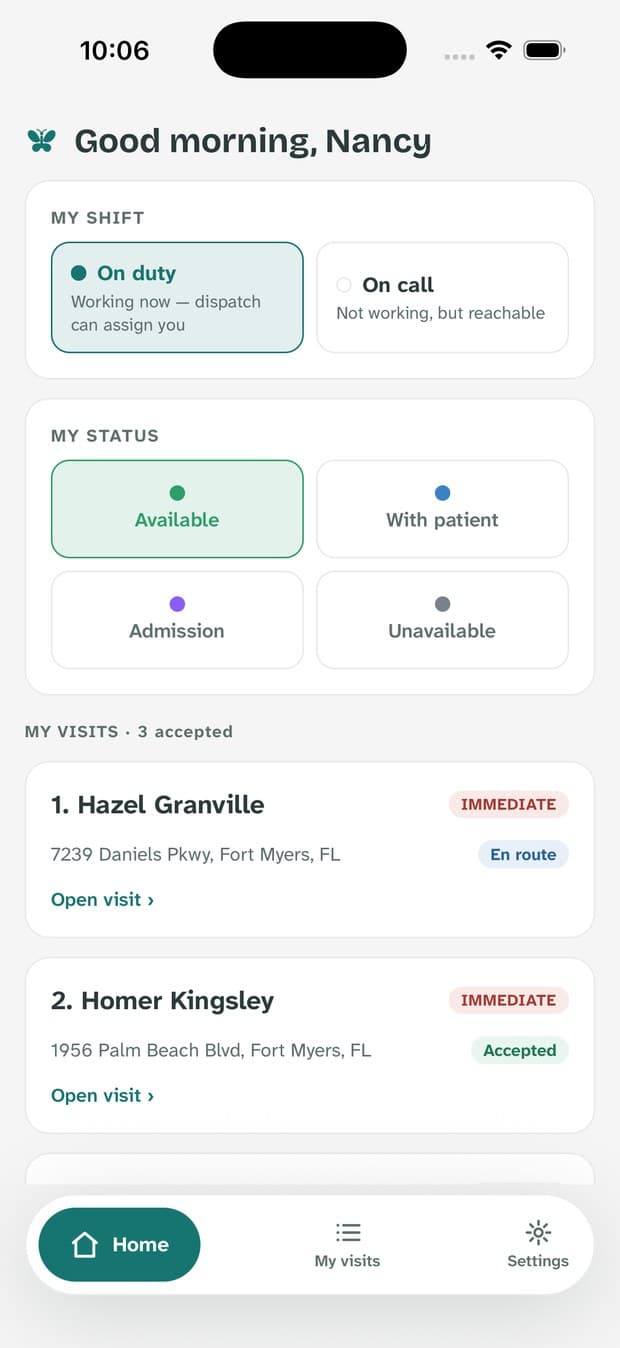
For the field
Nurse app guide
First sign-in and permissions, going on duty, accepting or declining, navigating there, confirming arrival, completing the visit — and exactly what dispatch can and cannot see.
Field nurses on call
Quick answers
The questions that come up in the first week.
Who can add a new user?
An administrator, under Admin → Staff. New users get a welcome email and sign in with an emailed code — there is no public sign-up, by design.
How do I change the escalation times?
Admin → Organization. First and second alerts default to five and ten minutes; the change applies to every visit from then on.
Does the system pick the nurse?
Never. It sorts by drive time and shows who is available; the choice is always the triage nurse’s.
A nurse isn't getting alerts.
Settings → Send test notification, on their phone. Nine times out of ten it is an iOS notification permission, and the guide walks through the fix.
Can I export our response times?
Yes — Reports → History → Export CSV, with whatever filters you have applied. The export is audit-logged.
Where does patient data live?
Behind an authenticated, role-checked session, inside our HIPAA boundary. Never in a notification, a log, or a link. See Security.
Need something these don't cover?
Your administrator is the fastest route for day-to-day questions — anything they can't answer comes straight to us.